
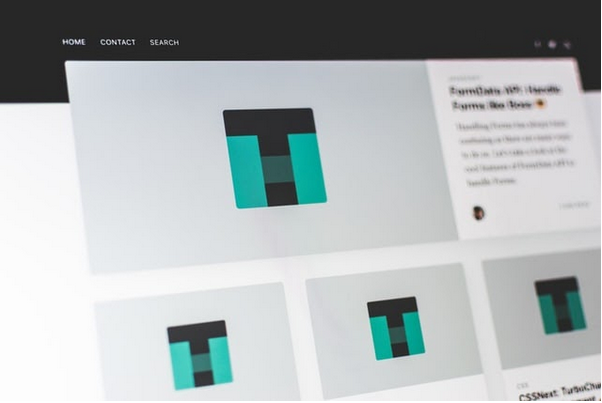
Your website is not just a placeholder that keeps your name on the internet. It’s much more than that, and should be treated with the respect it deserves. It probably isn’t surprising to hear that 40% of people will leave a website if they don’t find it pleasing to look at.
UX: short for user experience.
Photo by Pankaj Patel on Unsplash
Yet, there is plenty that you can do to create a user experience that is great for your users and will keep your customers coming back time after time.
User experience is the cross-section between how a website looks, feels, and usability.
Visitors make a very quick decision about if they are going to stay on your website or leave it. You have a couple of seconds to make them stay. There are a few things that you can do to encourage them to interact and stay.
There are a couple of things that will help people stay on your website, and they are simple changes that you can implement yourself.
White Space
Embrace the space. When a website is too busy, it detracts attention from the main content. If you have an incredible guide about how to manage your PayPal fees better, but the rest of the pages are crowded with ads, pop-ups, and widgets then it will pull information away.
Use the white space to give your content its spotlight.
Speed
The time it takes for your page to load will make a difference for people. The longer it takes, the more likely it is that people will leave. Consumers value their time and are happy to go elsewhere if they have no brand loyalty. Research has shown that 40% of people will leave a page that takes more than three seconds to load.
The best thing you can do is to use the Google tools that can highly areas you can speed up your website.
Images
Try to use images that feed into the story. Something that supports what you are saying, is inviting and interesting. In the early days, it will most likely be stock images that are used, but over time this will change to your own images that are taken specifically for your products and services.
Research has shown that conversions can be increased by a minimum of 45% when a brand uses their own images.
Contact
How your customers can contact you will make a difference in how long they stay. If they cannot navigate to your contact form, or access an instant then they may leave. The add chat box to website HTML might seem daunting but it is easy to set up and will add some great usability.
Align
Your content and your headlines should all align with the goals of your website. If you are trying to sell accountancy packages, but your headlines and CTAs don’t mention accountancy, your message can be lost. Welcome your visitors with a website that speaks to them on their level.
Improving your website UX design will give a cohesive and enjoyable experience for your users, and see an increase in conversion.


Leave a Comment